

The best AI image generators in 2026 can turn a one-sentence idea into stunning artwork in under a minute — no drawing skills required. Whether you need blog illustrations, YouTube thumbnails, product mockups, or print-on-demand designs, there’s an AI image generator that fits your budget and skill level. We compared the 10 leading tools on image quality, pricing, free tiers, and standout features, verifying every price against the official pricing pages.
In this article
- The 10 best AI image generators in 2026 — quick comparison
- The 10 best AI image generators in 2026, reviewed
- How we researched and ranked these tools
- How to choose the right AI image generator
- Can you sell AI-generated images?
- Pairing AI images with the rest of your workflow
- Frequently asked questions
- Article updates
The 10 best AI image generators in 2026 — quick comparison
| Tool | Best for | Starts at | Free tier |
|---|---|---|---|
| Midjourney | Artistic, beautiful images | $10/mo | No |
| DALL-E 3 (ChatGPT) | Beginners, prompt understanding | $20/mo | Limited |
| Adobe Firefly | Commercially safe design work | ~$9.99/mo | Yes |
| Leonardo AI | Game art, custom models | $12/mo | Yes |
| Stable Diffusion (DreamStudio) | Tinkerers, self-hosting | Pay per image (~$0.065) | Starter credits |
| Ideogram | Text inside images | $20/mo | Yes |
| Flux | Open models, developers | Pay per image (~$0.014+) | Run locally free |
| Microsoft Designer | Free everyday use | Free | Yes — fully free |
| Canva (Magic Media) | Designs + images in one place | ~$15/mo | Limited |
| Recraft | Vectors and brand assets | $12/mo | Yes |
Prices as of October 2026 — check the official pages linked below for current rates, as AI tool pricing changes often.
The 10 best AI image generators in 2026, reviewed
Disclosure: Some links in this article may earn Dear Thoughts a commission if you buy through them, at no extra cost to you. No company pays for placement – our rankings and verdicts are editorial.
How we researched and ranked these tools
Tools covered: the ten generators in this list. When: pricing, free tiers and plan limits were checked against each company’s official pricing pages in October 2026 (October 16, 2026). The test frame: producing the images a working blog actually needs — a hero image and a thumbnail-style graphic from plain text prompts. Plans judged are the free tiers where one exists; where a tool has no free tier, that is stated in its section rather than glossed over. The weighting: output quality 30%, free tier 20%, price 20%, ease of use 15%, commercial rights 15%. Observed vs claimed: quality and ease-of-use judgements are editorial, based on the tools’ public outputs and galleries; every price, credit limit and licence term is the company’s own figure, linked to its official page.
1. Midjourney — best for artistic, beautiful images
Midjourney remains the AI image generator people reach for when the result needs to look gorgeous — fantasy art, posters, book covers, and atmospheric illustrations are its home turf. The current V8.2 model produces some of the most aesthetically pleasing output of any tool here.
Pricing: plans start at $10/month ($8/month billed annually) for the Basic plan, per the official Midjourney plan comparison. There is no free tier — the free trial was discontinued, so this is a paid-only tool. All plans include commercial rights, and Standard ($30) and above add unlimited relaxed-mode generations.
Keep in mind: Midjourney runs through Discord or its web app rather than a traditional editor, which feels unusual at first but becomes second nature quickly.
2. DALL-E 3 (via ChatGPT) — best for beginners
DALL-E 3 has the best prompt understanding of any AI image generator on this list. You describe what you want in plain conversational language — “make the dog brown instead of black” — and it edits accordingly, with no prompt-engineering tricks needed. For beginners, that friendliness is worth a lot.
Pricing: full access comes with ChatGPT Plus at $20/month (see the official ChatGPT Plus page). The free ChatGPT tier includes limited image creation, so you can try before you pay.
Keep in mind: it’s a generalist — great at following instructions, less distinctive stylistically than Midjourney.
3. Adobe Firefly — best for commercially safe work
Firefly’s big selling point is trust: its models are trained on licensed Adobe Stock content, which makes it one of the safest AI image generators for client and commercial work. It also lives inside Photoshop (Generative Fill and Generative Expand), so designers never leave their workflow.
Pricing: paid plans start from around $9.99/month for 2,000 generative credits — check the official Firefly plans page for current rates. A free tier with limited daily generations is available.
Keep in mind: if you already pay for Creative Cloud, check what Firefly access your plan already includes before buying a separate subscription.
4. Leonardo AI — best for game art and custom models
Leonardo AI is a favorite among game artists and illustrators: strong style control, the ability to train your own custom models on your art, and a token system with rollover so unused credits bank for later.
Pricing: paid plans start at $12/month (Essential, 8,500 fast tokens/month) — see leonardo.ai/pricing. The free tier gives 150 fast tokens per day, which is genuinely usable for casual projects.
Keep in mind: free-tier generations are public, so don’t prototype client work on the free plan.
5. Stable Diffusion (via DreamStudio) — best for tinkerers
Stable Diffusion is the open-weights pioneer: the models are free to download and run on your own hardware, with an enormous community ecosystem of fine-tuned variants. DreamStudio, from Stability AI, is the simplest hosted way to use it without setup.
Pricing: there’s no subscription — it’s pay-as-you-go at $0.01 per credit (roughly $0.065 per image with SD 3.5 Large), per Stability AI’s pricing. New users get free starter credits.
Keep in mind: per-image pricing is cheap for experimenting but can add up at volume; heavy users often self-host instead.
6. Ideogram — best for text inside images
Every AI image generator struggles with readable text — except Ideogram, which renders legible words inside images better than anything else here. Logos, posters, memes, and thumbnails with real typography are its killer use case.
Pricing: the Plus plan is $20/month ($15/month billed annually) with 2,400 priority credits — see ideogram.ai/pricing. The free tier offers weekly slow credits, and even free-plan outputs can be used commercially.
Keep in mind: outside of text rendering it’s a solid all-rounder rather than a category leader.
7. Flux (Black Forest Labs) — best open models for developers
Flux’s open-weights models run on consumer GPUs, making it the darling of developers and the self-hosting crowd. Image quality rivals the best closed tools, and the newer versions offer precise editing controls.
Pricing: hosted use is credit-based at $0.01 per credit (images from about $0.014 each) — see Black Forest Labs’ cost guide. Running the open models locally is free if your hardware can handle it.
Keep in mind: there’s no polished consumer app — expect APIs, playgrounds, and community interfaces rather than hand-holding.
8. Microsoft Designer (Image Creator) — best completely free option
Microsoft’s Image Creator is DALL-E-powered generation that’s free with a Microsoft account, sitting inside a full design editor with templates and layouts. For casual users who just need a nice image now and then, it’s hard to beat free.
Pricing: free, with daily fast-generation “boosts” — see Microsoft’s official Designer FAQ. Note the license is for personal, non-commercial use.
Keep in mind: the non-commercial license rules it out for business use — check the terms before using outputs professionally.
9. Canva (Magic Media / Dream Lab) — best all-in-one design workflow
Canva generates images directly inside your design canvas, so the AI image generator is one step in a bigger workflow: generate, then drop the result into templates with Brand Kit styling and Magic Resize for every platform. For marketers and creators, that integration saves real time.
Pricing: the AI features shine on Canva Pro, from around $15/month — but annual pricing genuinely varies by region, so check canva.com/pricing for your country. Canva Free includes a limited number of lifetime AI credits.
Keep in mind: raw image quality trails the specialists; you’re paying for the workflow, not the pixels.
10. Recraft — best for vectors and brand assets
Recraft is the only AI image generator here that produces native editable SVG vectors from a text prompt — infinitely scalable logos, icons, and illustrations you can actually open and tweak. It also offers brand style training and a mockup generator.
Pricing: the Basic plan is $12/month ($10/month billed annually) for 1,000 credits — see Recraft’s plan docs. The free tier offers daily credits, though free outputs don’t include commercial rights.
Keep in mind: it’s a specialist — for photorealistic scenes, pick one of the tools above instead.
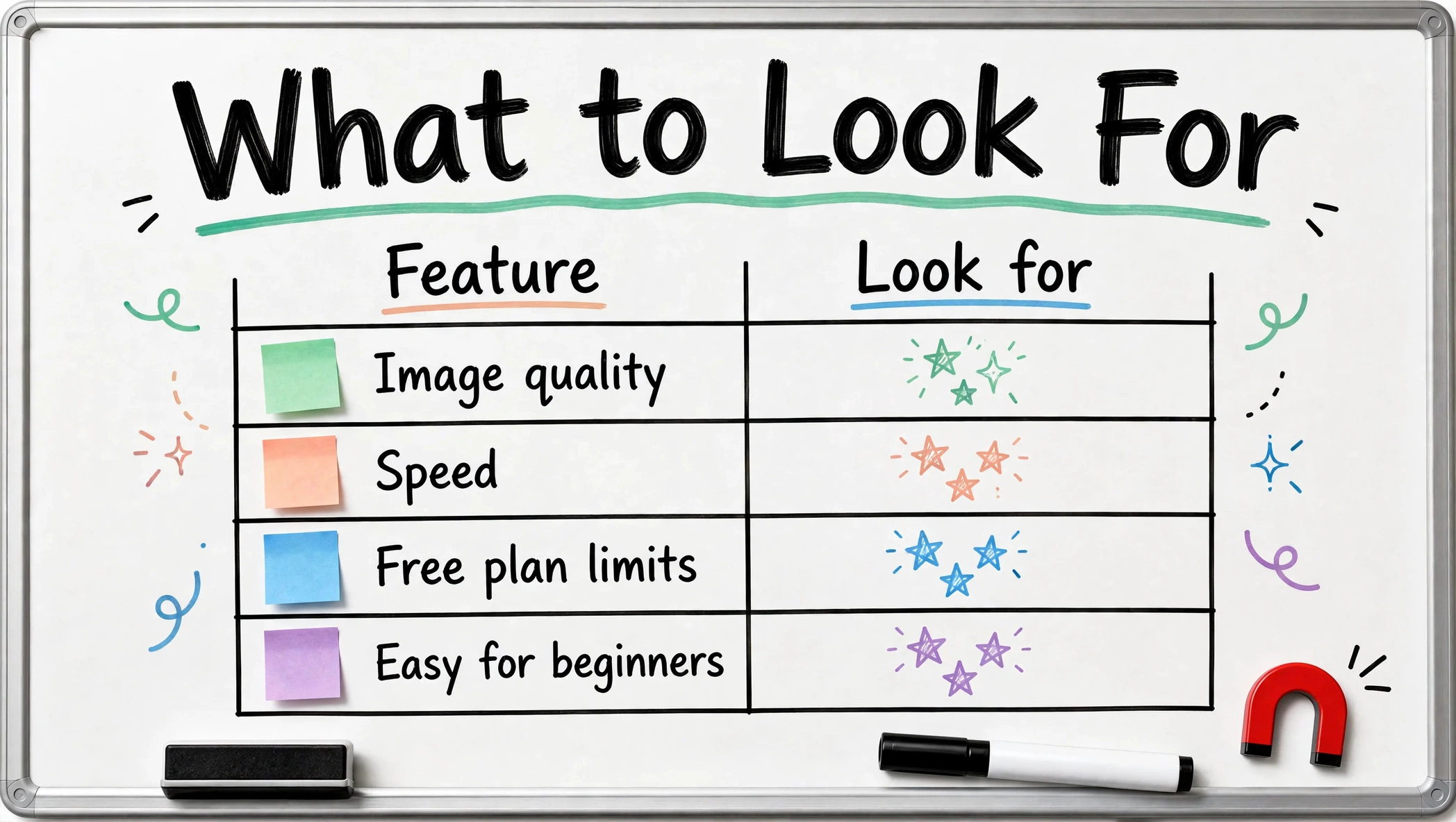
How to choose the right AI image generator
- Total beginner? Start with DALL-E 3 in ChatGPT or free Microsoft Designer. Upgrade only when you hit real limits.
- Need beautiful art? Midjourney is still the aesthetic king.
- Client or commercial work? Adobe Firefly’s licensed training data gives the most peace of mind.
- Need text in the image? Ideogram, no contest.
- Logos and icons? Recraft’s vector output is unique.
- On a $0 budget? Microsoft Designer (personal use) or Leonardo’s free tier.
- Developer or tinkerer? Flux or Stable Diffusion.

Can you sell AI-generated images?
Sometimes — but the rules differ per tool and per plan, so always check the current terms before selling anything. Broadly: Midjourney includes commercial rights on all paid plans; Ideogram allows commercial use even on free; Recraft reserves commercial rights for paid plans; Microsoft’s free Image Creator is personal-use only. If you plan to sell designs on merchandise, read our print-on-demand guide and each platform’s AI-content policy first — some marketplaces restrict AI-generated uploads, and disclosure rules keep evolving.
Pairing AI images with the rest of your workflow
Images rarely work alone. AI-generated visuals pair naturally with AI voiceovers for faceless videos, thumbnails edited in one of the best video editing apps, and blog headers for the site you’re growing with our start-a-blog guide. And if you’re comparing AI tools more broadly, our ChatGPT vs Claude vs Gemini breakdown covers the chatbots behind several generators on this list.
Frequently asked questions
What is the best free AI image generator?
Microsoft Designer (Image Creator) is the most capable fully free option for personal use. Leonardo AI and Ideogram also have genuinely useful free tiers. If you’d rather not create an account at all, see our tested list of the best free AI image generator without signup options.
Which AI image generator is best for beginners?
DALL-E 3 inside ChatGPT — you describe what you want conversationally instead of learning prompt syntax.
Can I use AI-generated images commercially?
It depends on the tool and plan — Midjourney (paid), Ideogram, and Adobe Firefly allow commercial use, while Microsoft’s free tier is personal-use only. Always check the current terms.
Do AI image generators replace designers?
They replace some production tasks, not design judgment. Professionals increasingly use them for drafts, variations, and exploration — the creative direction still matters enormously.
Article updates
- October 16, 2026: Article published. All pricing verified against official pricing pages; figures may change — check the linked official pages for current rates.


[…] For most creators, ElevenLabs is the best text to speech generator in 2026 — the voices simply fool more ears. Budget builders should look at Google Cloud TTS or Amazon Polly; video-first creators get the most complete package from Lovo. Combine your narration with one of the best video editing apps of 2026 and our freelancing guide if you want to sell the skill — then publish daily and let the algorithm decide. Pair your voiceover with visuals from the best AI image generators in 2026. […]
[…] need lots of variations fast, Perchance’s unlimited generation is handy for drafts. Our full comparison of the 10 best AI image generators covers the paid options when you’re ready to level […]