


Claude Skills vs Custom GPTs comes down to where your instructions live: a Claude Skill is a portable folder of instructions that Claude loads automatically wherever you work, while a Custom GPT is a configured version of ChatGPT that exists only inside ChatGPT. That was already a meaningful difference. In October 2026 it became a much bigger one: OpenAI has announced that Custom GPTs are being retired, which changes what a sensible recommendation looks like.
In this article
Both features promise the same thing: teach the AI your way of doing a task once, then stop repeating yourself. They get there in almost opposite ways — one is a file you own, the other is a chatbot you configure on someone else’s platform. Below: what each is, a side-by-side table, and who should pick which.
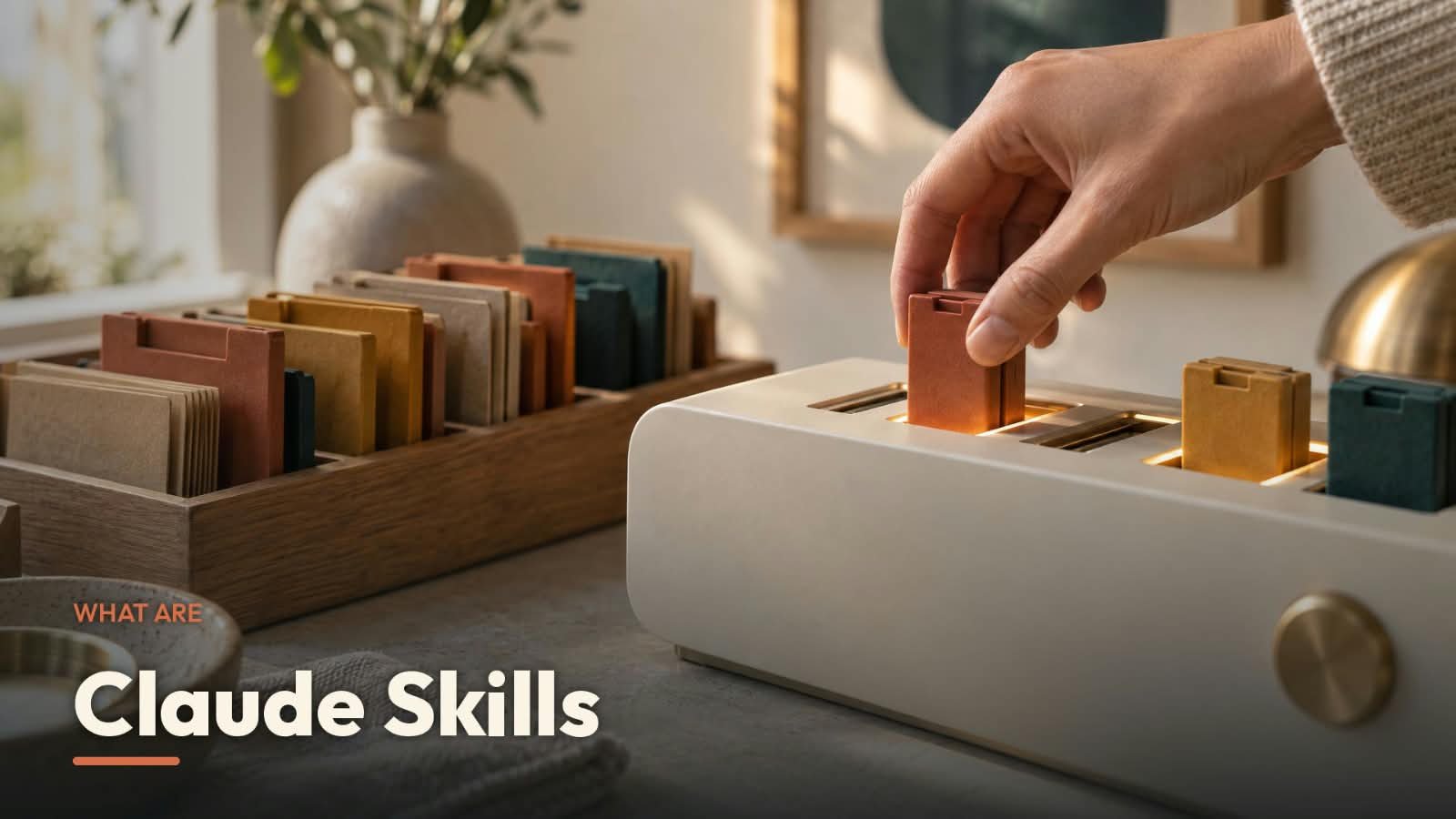
What is a Claude Skill?
Anthropic’s help center defines skills as folders of instructions, scripts, and resources that Claude loads dynamically to improve its performance on specialized tasks. The folder is the whole idea. At its centre sits a file called SKILL.md: a short YAML header (name, plus a description of when the skill applies) followed by the instructions themselves in plain Markdown. Around it you can add reference files — a REFERENCE.md with your pricing tables, say — and executable scripts for steps you want done the same way every time, as Anthropic’s guide to creating custom skills explains.
The loading is the clever part. Anthropic’s developer documentation calls it progressive disclosure, in three levels. Claude always sees each skill’s name and description — roughly 100 tokens per skill. When your request matches a description, it reads the full instructions, which Anthropic says are typically under 5,000 tokens. Extra files and scripts load only if the task needs them, and when a script runs, only its output enters the conversation — not the code. In practice, you can keep dozens of skills switched on without crowding out your actual work.
You never invoke a skill by name: ask Claude to make a PowerPoint from your quarterly numbers and it reaches for the relevant skill on its own, provided the capability is enabled (Anthropic’s guide to using skills covers the toggles). Anthropic ships its own skills for Word, Excel, PowerPoint and PDF work; partners publish through a directory inside Claude. The same enabled skills also show up in Claude Code (same account) and in the Claude for Microsoft 365 add-ins, and developers can use skills through the API. If you are new to that side of things, our guide to AI agents for beginners covers the basics skills plug into.
Making one is deliberately low-tech: Anthropic notes anyone can create a skill by writing instructions in Markdown, no coding required for a simple one. You zip the folder and upload it; you can even record yourself doing a task and let Claude draft the skill from the recording. And because the Agent Skills specification is published as an open standard, a skill you write is not locked to Claude — the same format works on other platforms that adopt the standard, a portability point that matters later.
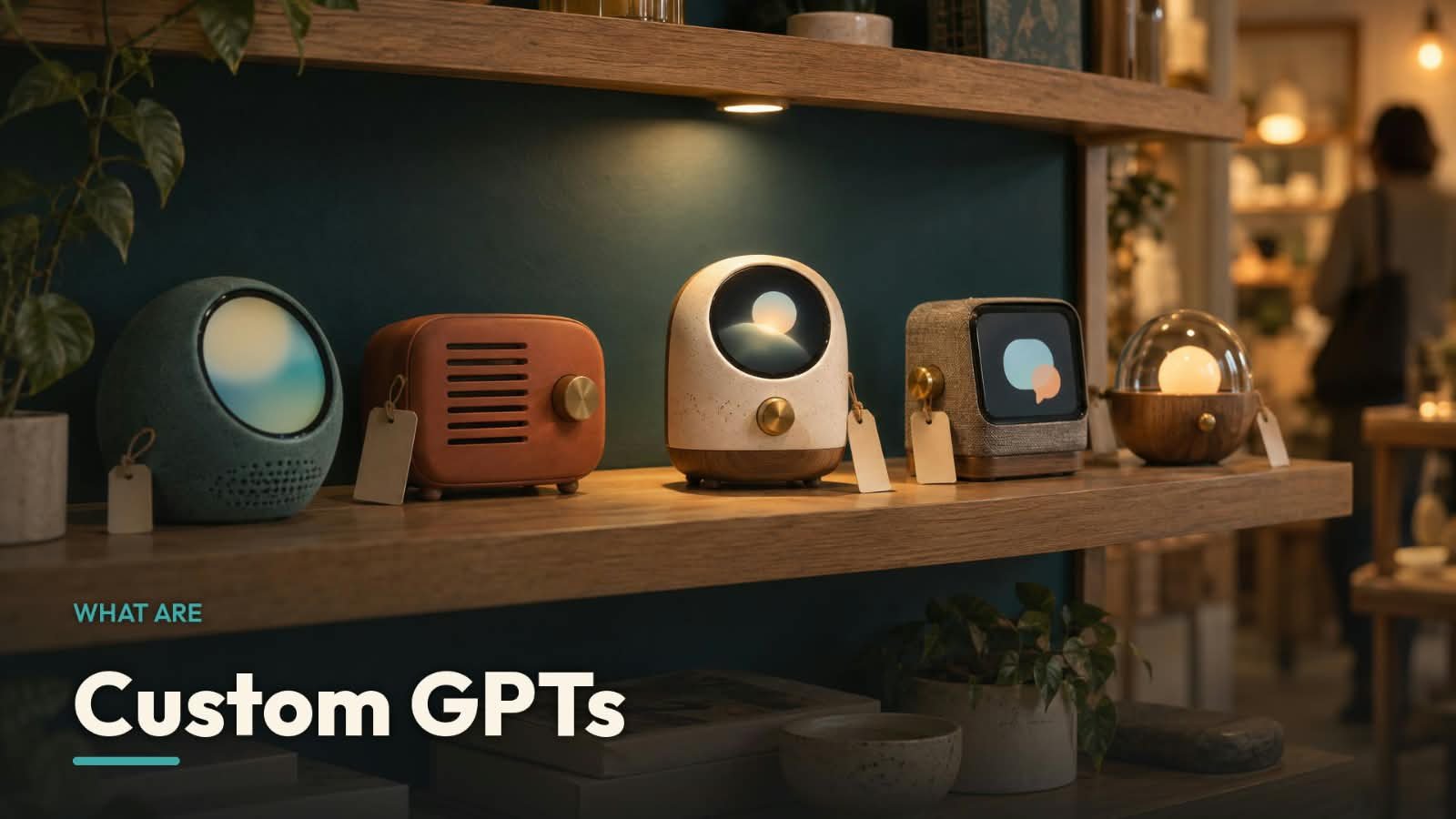
What is a Custom GPT?
A Custom GPT is a version of ChatGPT configured for one purpose — OpenAI’s help center describes GPTs as versions of ChatGPT that combine specific instructions, knowledge, and selected capabilities into a more tailored experience. You build one inside ChatGPT itself, chatting with the conversational builder or filling in the configuration screen — name, description, instructions, conversation starters. No code is needed for the basics, which was always the appeal — it feels like filling in a form, not building software.
The configuration can go further than instructions. You can upload up to 20 knowledge files per GPT, each up to 512 MB, and switch on capabilities such as web search, image generation, canvas and Code Interpreter & Data Analysis. For live data, GPTs offer Actions — connections to external APIs that you define — though a GPT can use apps or actions, not both at the same time. Anyone signed in to ChatGPT can use a GPT they have access to, via Explore GPTs, a direct link, or an @-mention in a web chat. What a GPT cannot do is leave: OpenAI states plainly that GPTs are not a way to embed ChatGPT in an external website or application, and a GPT does not remember your saved memory or custom instructions between conversations.
Now the part that overrides much of the above. OpenAI’s own help pages state that new GPT creation and publishing are not available on personal ChatGPT accounts — Free, Go, Plus and Pro included. Existing GPTs remain available to use and, with an eligible subscription, to edit. In Business, Enterprise and Edu workspaces, creation depends on workspace settings; for most Enterprise workspaces it ended on October 26, 2026. The Custom GPT retirement and migration FAQ sets the standard retirement date as December 11, 2026 (February 11, 2027 for FedRAMP and approved deferrals), after which custom GPTs and their pages become inaccessible. OpenAI’s replacement is plugins — and in a twist nobody predicted, when you migrate a GPT, its instructions become a “skill” inside the new plugin. Custom actions, however, do not transfer automatically.
Heads up: some links in this article are affiliate links. If you sign up through one, we may earn a commission at no extra cost to you — it helps keep Dear Thoughts running.
Claude Skills vs Custom GPTs at a glance
| Claude Skills | Custom GPTs | |
|---|---|---|
| What it is | A folder of instructions (SKILL.md) plus optional scripts and reference files that Claude loads when a task matches | A configured version of ChatGPT: instructions, knowledge files and capabilities wrapped into one chatbot |
| Where it lives / works | Across Claude — chat, Claude Code, the API, and the Microsoft 365 add-ins | Inside ChatGPT only; cannot be embedded on a website or used in another app |
| Who can create one | Anthropic’s help center: Free, Pro, Max, Team and Enterprise users can upload their own skills (code execution must be on); Team and Enterprise add organisation-wide provisioning | Not available on personal accounts (Free, Go, Plus, Pro) as of October 2026; possible in some Business, Enterprise and Edu workspaces, subject to admin settings |
| How it activates | Automatically — Claude reads skill descriptions and loads the relevant one when your request matches | Manually — you open that specific GPT (or @-mention it) and chat with it |
| Knowledge / files | Reference files bundled in the folder, loaded only when needed; Anthropic describes no practical limit on bundled content | Up to 20 uploaded files per GPT, each up to 512 MB |
| Code & scripts | Yes — skills can bundle executable scripts that Claude runs; only the output enters the conversation | No scripts of your own; built-in Code Interpreter & Data Analysis instead, plus Actions to call external APIs you define |
| Sharing | On Team and Enterprise: share with colleagues or groups (view-only) or publish to your organisation’s library. On individual plans, skills are personal | Historically by link and via the GPT Store; personal accounts can no longer publish new GPTs. Workspace sharing depends on admin settings |
| Portability | Published as an open standard, so the same skill format can work on other platforms that adopt it; the folder is yours to keep | None — a GPT works only in ChatGPT, and OpenAI retires the format on December 11, 2026 |
| Best for | Repeatable personal and team workflows you want applied automatically, and anything you want to still own next year | Using GPTs that already exist; workspace teams maintaining existing GPTs until migration |
How this comparison was put together
This Claude Skills vs Custom GPTs comparison is based on Anthropic’s and OpenAI’s official documentation, help centers and pricing pages, checked on October 28, 2026. Feature and plan claims are the companies’ own statements, linked throughout. The recommendations and verdicts are our editorial opinion. This is desk research — we are not presenting it as hands-on testing, and since both products are changing fast (one of them is literally being retired), re-check the linked pages before committing to either.
Which one should you pick?
The Claude Skills vs Custom GPTs choice depends mostly on who you are and where your work already lives.
If you are a freelancer: build skills. The workflows you repeat weekly — proposals in your format, invoices from your template, reports in your house style — are exactly what skills are for, and they fire automatically instead of waiting for you to open a special chatbot. Anthropic’s help center says even Free-plan users can upload their own skills, and if you do pay, Claude Pro is $17 per month billed annually or $20 billed monthly, as of October 2026 — check the official pricing page for current rates. If your clients live inside ChatGPT, the GPTs you already use still work for now, but do not build new client-facing GPTs on a personal account: you cannot publish them, and the format retires in December 2026. For the day-to-day messages around that work, our 50 ChatGPT prompts for freelancers cover proposals, updates and pricing talks.
If you are a content creator: skills for your own production work — one holding your voice guide and formatting rules quietly improves everything you draft. The one thing GPTs genuinely did better was distribution: the GPT Store put a public chatbot in front of an audience. That door is now closed to individual accounts; any audience built around a GPT is borrowed. If you are still weighing the underlying assistants, our best AI chatbot comparison covers ChatGPT, Claude and Gemini head to head.
If you run a small team: this is the closest call, because both platforms reserve their best sharing tools for organisations. On Claude Team or Enterprise, owners can provision skills to everyone, members can share skills with groups, and approved skills sit in an organisation library. On the ChatGPT side, Business and Enterprise workspaces may still create and share GPTs under admin control, but you would be building on a format with a published retirement date, and OpenAI will steer you to plugins anyway. Our honest read: new team workflows should start as skills or plugins, not new GPTs. Current ChatGPT plan tiers are listed on OpenAI’s pricing page. For what agent-style workflows actually save in practice, see 12 ways AI agents save small businesses time and money.
If you are a developer: skills are not close. They are files on a filesystem: version them in git, bundle real scripts, call them through the API (which requires the code execution tool; custom skills there are shared workspace-wide). GPT Actions were the one developer-ish piece of Custom GPTs, and OpenAI’s migration FAQ confirms actions do not transfer to plugins automatically — integrations have to be rebuilt, possibly as MCP servers. If your GPT estate includes actions, start that rebuild now rather than in December. On pure capability, this is the least balanced part of the Claude Skills vs Custom GPTs comparison.
Honest limitations, both sides. Skills are portable on paper, but today they mostly live on Anthropic’s surfaces, and Anthropic’s docs note custom skills do not automatically sync between claude.ai and the API — you upload per surface. A badly written description also means Claude never triggers the skill at all. Custom GPTs have the harsher list: total lock-in, no memory between conversations, creation closed to individuals, and a retirement date. Neither tool removes the need to check the output; they just make it more consistent.
Frequently asked questions
Are Claude Skills free to use?
Mostly, yes: Anthropic’s help center says Free, Pro and Max users can enable example skills and upload their own in Customize > Skills, with code execution turned on, and the built-in document skills are available to everyone. One wrinkle: Anthropic’s developer docs still describe custom uploads on claude.ai as a Pro-and-up feature. The two official pages do not fully agree, so check your own account’s Skills page — ten seconds, and it settles the question.
Can I still create a Custom GPT in 2026?
On a personal ChatGPT account, no. OpenAI’s help center states that new GPT creation and publishing are not available on Free, Go, Plus or Pro accounts. Existing GPTs can still be used and, with an eligible subscription, edited. Some Business, Enterprise and Edu workspaces can still create GPTs depending on admin settings, but standard retirement is scheduled for December 11, 2026, and OpenAI directs creators to migrate to plugins.
Which is easier for a non-coder, a Skill or a Custom GPT?
The GPT builder was the friendlier tool — a chat and a form. But it is closed to personal accounts now. A basic skill, by contrast, is a short Markdown file: write it in plain English, upload it as a zip, or have Claude draft it from a screen recording of the task. If you can write a clear instruction document, you can write a skill.
Can I move my Custom GPT over to Claude?
There is no official converter on either side, based on the pages we checked. OpenAI’s migration path moves a GPT into a ChatGPT plugin, not out of ChatGPT. That said, a GPT is mostly an instruction document plus files, and a skill is an instruction document plus files — your GPT’s instructions can be pasted into a SKILL.md and its knowledge files dropped into the skill folder. It is an afternoon of manual work, not a rebuild from zero.
Do Claude Skills work outside Claude?
The format is designed to. Anthropic publishes Agent Skills as an open standard and states that skills you create are not locked to Claude — the same format works across platforms and tools that adopt the standard. Adoption elsewhere is still early; today the practical benefit is simpler — your skills are plain files you own, not configuration trapped inside one company’s settings page.

Final verdict
The Claude Skills vs Custom GPTs debate is really about ownership and timing. A skill is a folder of plain files: it loads itself when relevant, runs across Claude’s apps, can carry real scripts, and follows an open standard, so your work survives even if you change tools. A Custom GPT was a neat, friendly way to package a chatbot — but it only ever lived inside ChatGPT, and OpenAI has now given it an end date of December 11, 2026, closing creation to personal accounts along the way. If you are choosing where to invest your next few hours of setup, invest them in skills. Keep using the GPTs you rely on while they last, export anything you would miss, and let the deadlines decide the rest.
Since publishing this comparison, we have put Skills to work for video editing in two practical guides: a step-by-step walkthrough of Claude Skills for video editing that builds a personal editing assistant, and our list of the 7 Claude Skills every video editor should build first.
Article updates
November 11, 2026 — Added links to our two new Claude Skills guides for video editors.
October 31, 2026 — Added internal links to our ChatGPT prompts for freelancers and our AI agents for small business guide.
October 28, 2026 — First published, with all feature and plan details checked against Anthropic’s and OpenAI’s official pages.


[…] spending a dollar you do not need to. For a deeper look at how the two systems compare, see our Claude Skills vs Custom GPTs […]
[…] called Skills do a similar job to the instruction block you wrote in Step 2 — our comparison of Claude Skills vs Custom GPTs explains how that world […]
[…] you want the bigger picture of how Skills compare with OpenAI’s side of the fence, our Claude Skills vs Custom GPTs guide covers that in depth. Here, we stay practical and build […]