
Claude Skills for video editors are worth building because editing is only half the job. The other half is the same writing, over and over: a hook for the Short, a script in your usual format, captions cleaned up, a title, a description with chapters, a final checklist. Every video, you retype the same instructions into a chat box and hope the AI remembers your format. A Claude Skill ends that: write the instructions once, in a folder Claude loads on its own, and the format lives in the skill instead of in your patience.
In this article
- The 7 Claude Skills for video editors at a glance
- 1. Hook writer for Shorts, Reels and TikTok
- 2. Script structurer
- 3. Caption polisher
- 4. YouTube title + description writer
- 5. Repurposing skill
- 6. Pre-publish QC checklist
- 7. Thumbnail text brainstormer
- Build the first one today
- What not to build
- How this list was made
- FAQs
- Final recommendation
- Article updates
One honest note first: Claude does not cut footage on a timeline. These skills handle the writing and organizing around the edit — words, structure, checks. Here are the seven we would build first, in order.
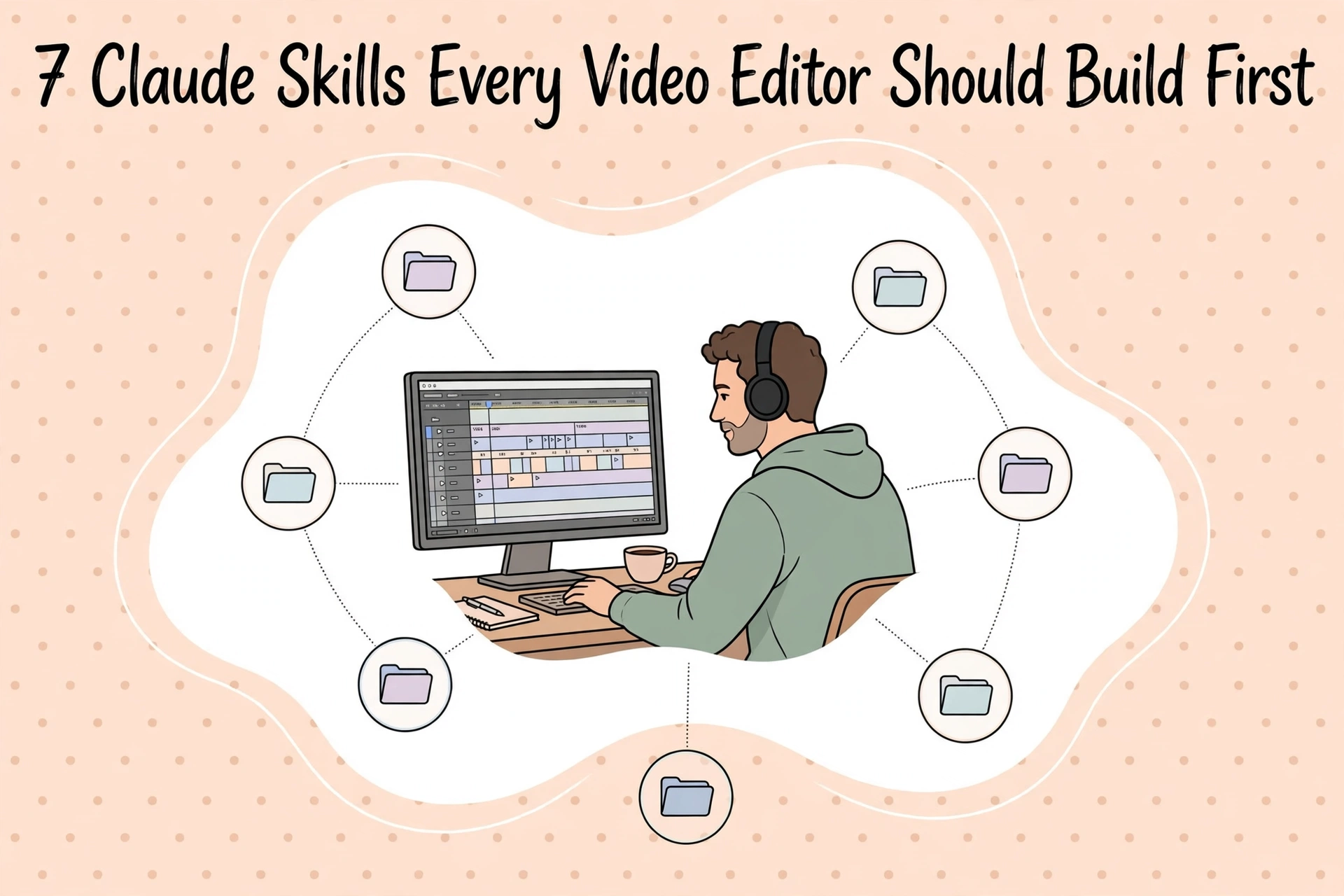
The 7 Claude Skills for video editors at a glance
| Skill | What it does | What you feed it |
|---|---|---|
| 1. Hook writer | Writes first-3-seconds hook options for Shorts, Reels and TikTok in your style | Your topic or a rough opening line |
| 2. Script structurer | Turns a rough idea into a full script in your fixed format | A paragraph idea, bullet outline or voice-note transcript |
| 3. Caption polisher | Cleans a raw transcript into short, caption-ready lines | An auto-caption export or raw transcript, plus regular names |
| 4. Title + description writer | Produces title options, a description with chapters, and tags | Your script or topic, plus the video’s timestamps |
| 5. Repurposing skill | Turns one finished video into Shorts ideas and posts for other platforms | The script or transcript of a published video |
| 6. Pre-publish QC checklist | Runs your personal checklist and drafts the pinned comment | Your description draft and upload details |
| 7. Thumbnail text brainstormer | Suggests thumbnail text under 4 words, with concept notes | The title or topic, and the emotion you want |
Quick background. Per Anthropic’s skill-authoring guide, a Skill is a folder of instructions, scripts and resources Claude loads when a task matches its description. The core file, SKILL.md, opens with a name (lowercase and hyphens, max 64 characters, matching the folder name) and a description — what it does and when to use it, max 1,024 characters. The description matters most: Claude reads it to decide whether the skill applies. Anthropic’s advice is to keep skills focused.
Disclosure: Dear Thoughts may earn a commission if you buy through links in this article, at no extra cost to you. On plans: as of November 2026, Claude’s pricing page lists Free at $0, Pro at $17/month billed annually or $20 monthly, and Max from $100/month — and skills work on the free tier too, once enabled.
1. Hook writer for Shorts, Reels and TikTok
Start here: the hook is the highest-leverage writing in your workflow, and the piece you redo most often. A hook skill takes your topic and returns, say, eight opening lines — a couple of questions, a couple of bold claims, one story opener, one “mistake” opener. Your style rules live inside it: no clickbait you would not say out loud, each hook under 12 words.
Its trigger description — the line Claude reads to decide when to use it — would read:
Writes opening hooks for short-form videos (Shorts, Reels, TikTok). Use when the user gives a video topic or a rough opening line and wants hook options for the first 3 seconds.
Inside, put three things: your rules, five or six of your best past hooks as examples, and the output format (numbered list, grouped by type). Example: you type “video about why my budget mic sounds bad.” Back comes “Your mic isn’t bad. Your room is.” plus seven more in that voice — not the generic “You won’t BELIEVE this audio trick!!” a plain prompt produces.
2. Script structurer
Where the hook skill works in seconds, this one works in pages. Feed it a rough idea — a paragraph, a messy outline, a voice-note transcript — and it returns a full script in your fixed format: hook, setup, main points, payoff, call to action. A specific sign-off, tutorials opening with the result before the steps — all of that goes in the instructions, once.
Turns a rough video idea or outline into a complete script using the channel’s fixed structure: hook, setup, three main points, payoff, CTA. Use when the user shares an idea, outline or notes for a new video.
Worth including: a sample script you are proud of, your target length in words (roughly 130–150 spoken words per minute), and phrases you never want (“in today’s video we will…”). Example: “desk setup tour, new lamp, cable mess fixed, total cost” becomes a 900-word script, cost reveal saved for the payoff.
3. Caption polisher
Auto-captions are a great draft and a bad final product: names come out wrong, punctuation vanishes, lines run long enough to cover the subject’s face. A caption polisher turns the raw transcript into clean, short lines — names spelled the way you spell them, filler cleaned where it hurts clarity.
Cleans raw auto-captions or transcripts into short caption-ready lines. Use when the user pastes a transcript or caption file that needs fixing before it goes on a video.
The secret ingredient is a proper-nouns list inside the skill: your name, guests’ names, the product names caption software mangles every time. Add a line-length rule (say, max 42 characters, two lines max) and whether filler words stay or go. Example: “so uh basically me and sarah tested the the new insta three sixty” comes back as two clean lines, Sarah and Insta360 spelled right. Our roundup of the best video editing apps covers which editors handle captions well natively.
4. YouTube title + description writer
This is the skill most editors will use on every upload. Give it your topic or finished script and it produces ten title options in your style — leaning on your proven formats, numbers, questions, “I tried X” — then drafts the description: summary, chapters from your timestamps, links, tags.
Writes YouTube titles, descriptions with chapters, and tags for a finished video. Use when the user provides a video topic, script or timestamps and is preparing an upload.
Put your title rules inside (character limits, words you avoid, brackets or not), a template description with your standard links, and three descriptions from videos that performed well. Example: paste the script and “0:00 intro, 1:24 unboxing, 3:40 test, 7:15 verdict,” and get back titles plus a description with chapters formatted — not assembled from scratch at 11 p.m. on upload day. Still setting up? See our guides on starting a YouTube channel and your first 100 subscribers.
5. Repurposing skill
One finished video should not die as one finished video. This skill takes the final script or transcript and pulls out what can travel: three Shorts angles with exact timestamp ranges to clip, a community post, an X or LinkedIn post in your voice, a newsletter blurb. Of all the Claude Skills for video editors here, this one multiplies work you already finished.
Repurposes a finished video into Shorts ideas, a community post, social posts and a newsletter blurb. Use when the user shares a completed video’s script or transcript and wants more content from it.
Feed it your platform rules: Shorts under 60 seconds with self-contained payoffs, LinkedIn in short paragraphs, hashtags on some platforms and none on others, plus one repurposing job you were happy with as an example. A 12-minute tutorial transcript goes in; out come a “the 40-second fix nobody uses” Shorts clip (09:12–09:52), a community poll, and a newsletter paragraph that links the video without sounding like an ad.
6. Pre-publish QC checklist
Everyone has a checklist; almost nobody runs it the same way when tired. This skill takes your description draft and works through your list out loud: captions proofread, chapters matching the real timestamps, end screen set, cards added, links live, pinned comment drafted. Anything it cannot verify, it flags as a question instead of guessing.
Runs the channel’s pre-publish quality checklist on a video about to be uploaded. Use when the user shares a description draft or says a video is ready to publish.
The contents are simple: your checklist as numbered items, your pinned-comment format (a question to spark comments, plus any key link), and your recurring-mistakes list — ours would include “check the affiliate link is the new one, not last month’s.” Example: the skill spots that your chapters say 4:20 but the segment now starts at 4:47, and hands you the pinned comment ready to paste.
7. Thumbnail text brainstormer
Last, the smallest skill here — and a good example of why small works. Given your title or topic, it suggests thumbnail text: each option under four words, no repeating the title word-for-word, plus a one-line concept note for the designer.
Brainstorms short thumbnail text options (under 4 words each) with a visual concept note for each. Use when the user shares a video title or topic and is planning a thumbnail.
Include your rules (word cap, no red-circle clichés if that is not your channel, the emotions that work for your audience) and a few past thumbnails that earned their clicks. Example: “I Edited for 30 Days Straight” produces “DAY 30 BROKE ME,” “I QUIT (ALMOST),” “30 DAYS. NO BREAKS.” — each with a note like “exhausted face, desk lamp only light source.” For the bigger picture on this approach versus the alternative, see Claude Skills vs Custom GPTs.
Build the first one today
You do not need to hand-write files to start. As of November 2026, Anthropic’s skills help page says Free, Pro, Max and Ultra users can enable and upload skills under Customize > Skills, with “Code execution and file creation” on in Settings > Capabilities (Team plans: on by default, organization-wide). And per Anthropic’s guide to creating custom skills, you can build one in conversation with the skill-creator skill, which interviews you and assembles the folder.
- Pick skill #1 or #4 — whichever task you did most recently.
- Open Claude, go to Customize > Skills, and start with the skill-creator — or create the folder manually with a SKILL.md inside.
- Write the name and description first, and spend real time on the description: it decides when the skill triggers.
- Add your rules, two or three good examples of your own work, and the exact output format you want back.
- Test it on your next real video; when the output misses, fix the instruction that caused the miss.
Our companion guide to Claude Skills for video editing walks through building one step by step.
What not to build
Not every task deserves a skill. Skip one-offs (“write a hook for this one weird video”) — a normal prompt is faster. Skip anything needing live data, like trending sounds — a skill is frozen instructions and cannot check the internet for you (in Claude Code, a skill can also carry scripts Claude runs with your permission). And resist the mega-skill. The best Claude Skills for video editors are boring on purpose — one job each.
How this list was made
These seven were chosen from the tasks editors repeat on every video — hooks, scripts, captions, packaging, repurposing, checks, thumbnails. Structure and limits follow Anthropic’s official skill-authoring documentation; plan availability was checked against Anthropic’s help center and pricing pages in November 2026. This is desk research, not hands-on testing, and your results will depend on your examples and rules. Treat the descriptions as starting templates.
FAQs
Do I need a paid plan to use Claude Skills?
Not necessarily. As of November 2026, Anthropic’s help center says Free, Pro, Max and Ultra users can all enable and upload skills under Customize > Skills, with code execution and file creation turned on in Settings > Capabilities. Paid plans mainly buy higher usage limits.
How long does one skill take to make?
Most Claude Skills for video editors take 15 to 30 minutes — the thumbnail brainstormer, the QC checklist — spent mostly on writing your rules and picking good examples. The script structurer takes longer; your format has more pieces. The skill-creator can cut setup time, but review what it writes.
Can one skill do all 7 jobs?
You could stuff all seven into one folder, but we would not. The description gets so broad that triggering turns unreliable, and outputs start blending formats — hooks written like titles, captions like scripts. Small skills are also easier to fix.
Why isn’t my skill triggering?
Almost always, the description. Claude loads a skill when your request matches what the description says it does and when to use it. A vague description (“helps with videos”) will not fire reliably; name the task, the input and the moment (“Use when the user pastes a raw transcript that needs caption cleanup”). Also check the skill is enabled in Customize > Skills.
Can I share a skill with my editor or team?
Yes — a skill is just a folder, passable like any file, and on Team plans skills can be enabled at the organization level, per Anthropic’s help pages as of November 2026. Useful if a freelance editor packages your videos: their output stays in your format.
Final recommendation
If you build only two, build #1 and #4: the hook writer and the title + description writer. They sit at the two moments that decide whether a video gets clicked and watched — the first three seconds and the packaging — and you will use both on every upload, so the setup cost pays itself back within a week or two. Add the caption polisher third. That is the real lesson of Claude Skills for video editors: do not automate everything; automate the ten minutes you keep losing.
Article updates
November 11, 2026 — Article published.