

Claude Skills for video editing will not cut your footage. Let us get that out of the way first, because it shapes everything else in this guide. What Claude Skills for video editing can do is give you a personal editing assistant that handles the writing work wrapped around every edit: the hook in the first three seconds, the script structure, cleaned-up captions, YouTube chapters, titles, descriptions and the pre-publish checklist you always mean to follow and sometimes skip. Instead of pasting the same long instructions into a fresh chat every time, you save them once as a Skill, and Claude loads them whenever your request matches.
In this article
- What a Claude Skill actually is
- What an editing assistant skill can do for a video editor
- Before you start
- Build your first editing skill with skill-creator
- Or write the SKILL.md yourself
- Test it and fix the description
- Saved prompt, project instructions, or a Skill?
- Limits and safety
- How we wrote this
- FAQs
- Final recommendation
- Article updates
That is the honest pitch. The repetitive part of editing is rarely the timeline work. It is explaining, again, how you like hooks written, what your caption style is, and which checks a video needs before it goes live. Below, we explain what a Skill is, what an editing assistant can realistically do, and how to build one with Anthropic’s skill-creator or by writing the file yourself.
What a Claude Skill actually is
A Claude Skill is a folder of instructions, scripts and resources that Claude loads dynamically when a task matches. That is Anthropic’s own framing in its Skills documentation, and the important word is dynamically. The core of every Skill is a file called SKILL.md. At the top of that file sits a short block of YAML frontmatter with two required fields: the Skill’s name and its description.
The name uses lowercase letters, numbers and hyphens only, runs to a maximum of 64 characters, and must match the folder name exactly. The description gets up to 1,024 characters and has a double job: it says what the Skill does and when Claude should use it.
Loading works in layers, a pattern Anthropic calls progressive disclosure. Claude first reads each Skill’s name and description. If your request matches, it loads the full SKILL.md; supporting files are pulled in only when needed. Anthropic recommends keeping SKILL.md under 500 lines, with extra material in references/, assets/ or scripts/ subfolders.
If you want the bigger picture of how Skills compare with OpenAI’s side of the fence, our Claude Skills vs Custom GPTs guide covers that in depth. Here, we stay practical and build one.
What an editing assistant skill can do for a video editor
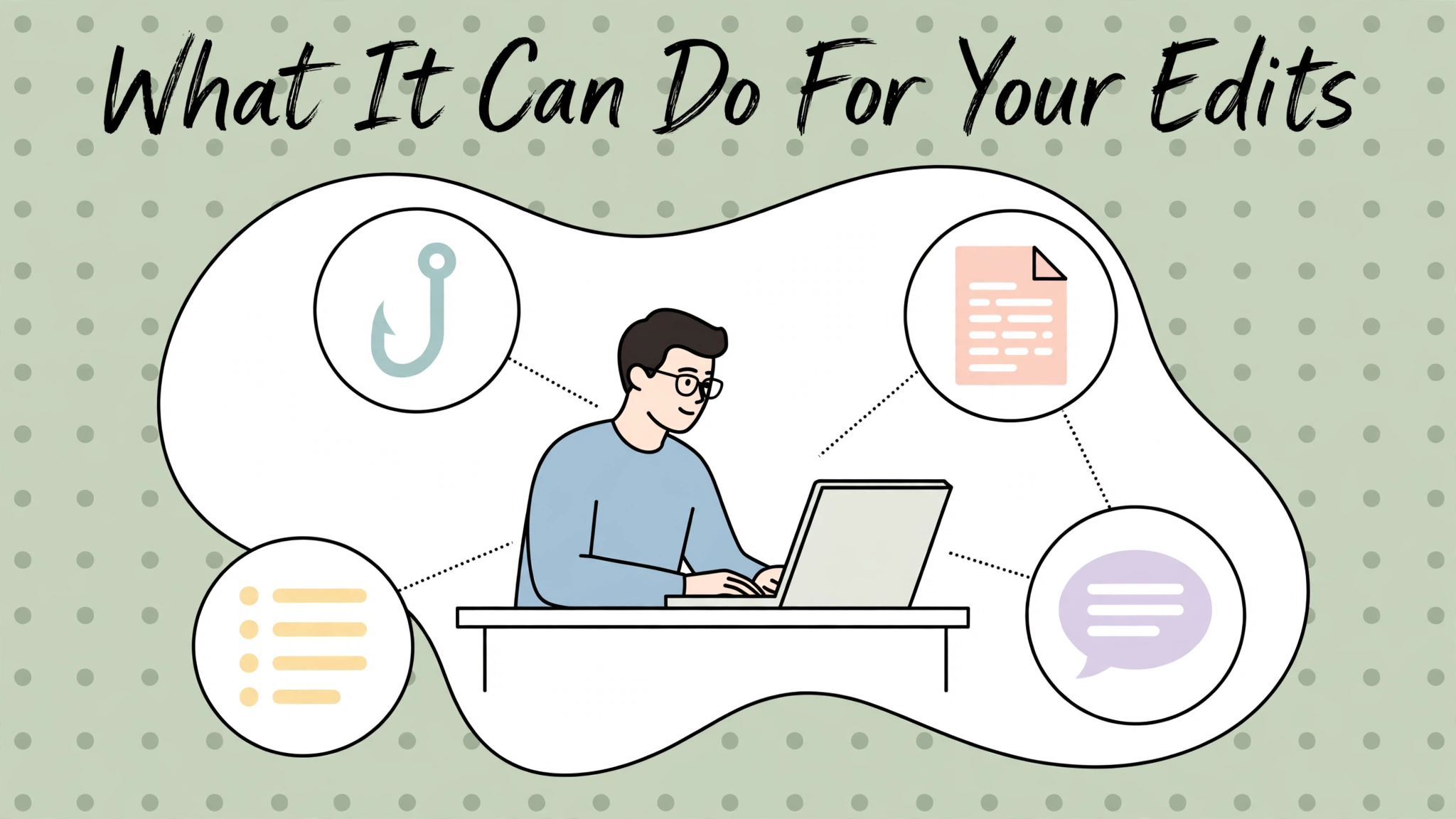
Think of a video-editing Skill as a way to freeze your best working habits into a reusable form. A well-written Skill can help with:
- Hooks in your style. Give it your rules once (open with the result, no “hey guys”, promise one specific payoff) and new videos start with options that sound like you.
- Scripts structured your way. Your cold open, segment order, pattern interrupt and call to action, held in a template you stop re-explaining.
- Caption cleanup. Punctuation fixed, lines broken at natural pauses, and your usual spellings for names and product terms applied consistently.
- YouTube packaging. Chapter timestamps, title options in your voice, and a description with your standard links block and disclosure wording in place.
- Repurposing. One finished video becomes a Shorts script, a community post and a thread, each following your rules for that format.
- A pre-publish checklist that actually runs. End screen mentioned? Captions checked? Description links current? The Skill walks the list with you.
None of this replaces your editor. Paired with a solid tool from our roundup of the best video editing apps, these Skills cover the words around the edit while you cover the pictures. Once the first one works, our companion guide on the 7 skills to build first maps out a small library that earns its keep.
Before you start
Disclosure: Dear Thoughts may earn a commission if you buy through links in this article, at no extra cost to you.
For Claude Skills for video editing, plan access is broad. As of November 2026, Skills are available on Free, Pro, Max and Ultra: you can enable example skills and upload your own under Customize > Skills. Team Skills are enabled by default at the organization level. On Enterprise, an owner must first enable Code execution and Skills in Organization settings. The full breakdown is in Anthropic’s help center article on using Skills in Claude.
One requirement applies everywhere: turn on “Code execution and file creation” in Settings > Capabilities. If uploads fail, check that toggle first.
On price, as of November 2026 the Claude pricing page lists Free at $0, Pro at $17/month billed annually or $20 monthly, Max from $100/month and Ultra at $200/month. Skills use your normal plan limits, with no separate per-skill fee. For most people testing Claude Skills for video editing, that makes the experiment cheap: a weak Skill costs a few messages, not another subscription.
Build your first editing skill with skill-creator
The easiest route in is Anthropic’s own skill-creator. It lives under Customize > Skills, listed as a Skill from Anthropic, and also sits in the public anthropics/skills GitHub repository. You answer its questions, it drafts the Skill, and it can run test prompts before you rely on the result. For a first attempt at Claude Skills for video editing, that guided route is forgiving.
- Open Customize > Skills and make sure skill-creator is enabled. Check that “Code execution and file creation” is on in Settings > Capabilities.
- Start a chat and say what you want: “Build me a skill that writes video hooks in my style.”
- Answer the interview properly. Paste in two or three real hooks you have used; vague answers become vague behaviour.
- Review the SKILL.md it drafts, especially the description. It should name when the Skill applies, not just describe the output.
- Run its test prompts the way you would phrase real requests, and check that the Skill loads and follows your rules.
- Save it and use it for a week of real edits. Corrections after real use beat upfront polishing.
Or write the SKILL.md yourself
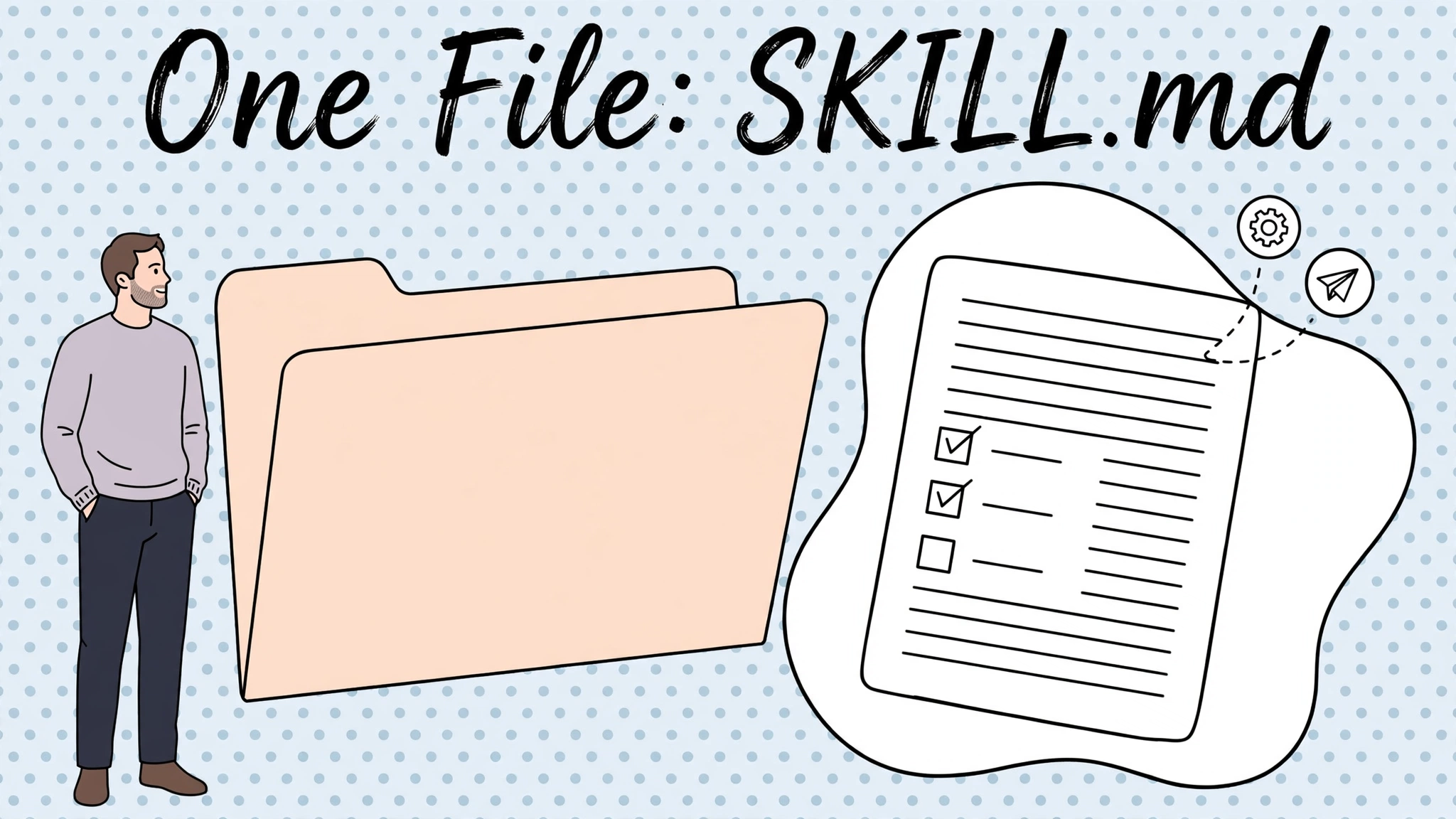
The manual route gives you full control, and for an editing Skill it is simple: one text file in a named folder. A narrow example shows the real strength of Claude Skills for video editing: the Skill does one job, states its limits, and points to examples instead of trying to run your whole channel. Here is a hook-writing Skill briefed the way an editor might brief it:
---
name: video-hook-writer
description: Writes opening hooks for YouTube and short-form videos in the creator's established style. Use when the user asks for a hook, an opening line, a cold open, or help starting a video script. Do not use for full scripts or descriptions.
---

# Video Hook Writer

## The job
Write hooks for the first 3 seconds of a video. The hook decides whether
the viewer stays, so every option must earn the next 10 seconds.

## Rules
- Open with the result, the mistake, or the surprising number. Never
  open with a greeting, a channel intro, or "in this video".
- One hook = one promise. Name the specific payoff the viewer gets.
- Keep every hook under 20 words. Spoken out loud, it should fit in
  one breath.
- Use plain words the creator would actually say. No hype words like
  "insane" or "mind-blowing".
- Match the tone of the examples in references/hook-examples.md.

## Output
- Give 5 hook options, numbered, strongest first.
- Under the list, say in one line which hook you would pick and why.
- If I give you a topic but no angle, ask me one question before writing.

## Never do this
- Do not write the full script. Stop after the hooks.
- Do not promise results the video does not deliver.
Packaging matters because a Skill is a folder, not pasted prompts. To install the example, follow Anthropic’s guide to creating custom Skills:
- Create a folder named exactly
video-hook-writerand put SKILL.md inside it. - ZIP the folder itself. The folder must be the top level of the archive; a loose SKILL.md at the ZIP root is not recognized.
- Go to Customize > Skills, upload the ZIP, and enable the Skill.
- Working in Claude Code instead? Drop the folder into
~/.claude/skills/and invoke it with/video-hook-writer. Skills you enable on claude.ai also load in Claude Code when you are signed in with the same account.
Test it and fix the description
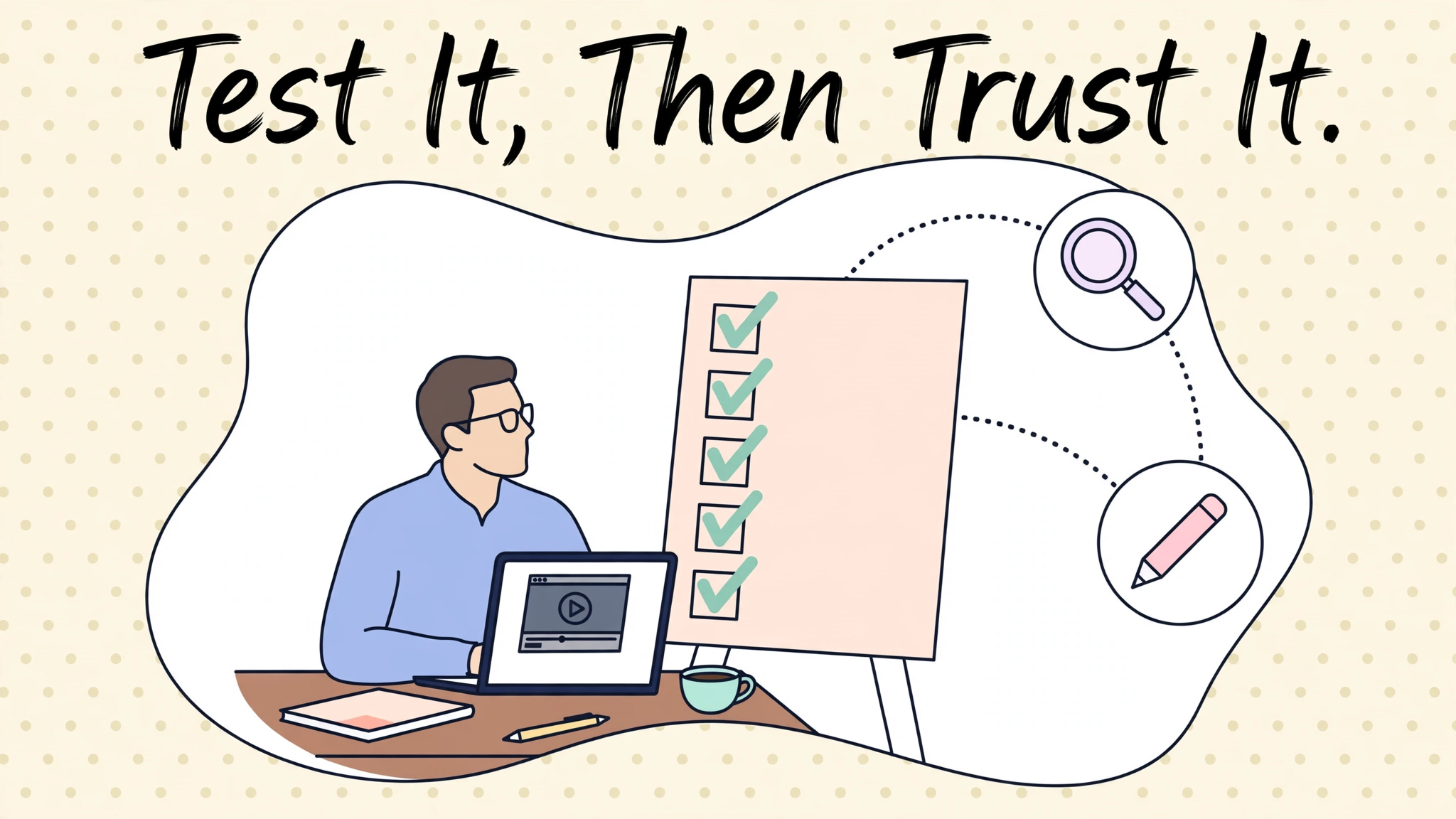
Testing is unglamorous and essential. Run prompts you would genuinely send during an edit, including one that should trigger the Skill and one that should not. Generic output means your instructions need more examples. A Skill that stays silent has a different problem.
It is usually the description. In practice, debugging a Skill that won’t fire starts with wording: Anthropic’s documentation says that when a Skill does not trigger, the fix is almost always rewriting the description to be more specific about when it applies. Name exact phrases you use (“write me a hook”, “cold open for this topic”), the content type, and situations to avoid.
Saved prompt, project instructions, or a Skill?
| Option | What it is | Better when |
|---|---|---|
| Saved prompt | A block of text you paste into chats by hand | You need it rarely, or the task is a one-off |
| Project instructions | Standing instructions inside one Claude Project | All the work lives in that project, like one channel’s videos |
| Skill | A folder Claude loads automatically when a request matches | The same rules apply across chats, projects and (via Claude Code) your terminal |
Choose a Skill when the habit needs to travel across chats. If your hook rules only apply to one series, project instructions may be enough. That is a fair trade-off, not a failure.
Limits and safety
Back to the opening point: Claude does not cut footage on a timeline. In a normal chat, an editing Skill standardizes the writing around the edit. In Claude Code, a Skill can carry scripts, such as ffmpeg commands, that Claude runs with your permission for mechanical jobs like trimming or resizing a file. That distinction keeps expectations for Claude Skills for video editing grounded.
Skills can contain executable code. Anthropic’s advice, which we second, is to install only Skills from sources you trust and read the files before uploading or running them. A SKILL.md is easy to review. A scripts/ folder deserves a slower look, especially from a forum or marketplace. If you cannot tell what a script does, do not run it.
Two smaller limits matter. Skills draw on your plan’s usage limits, so a heavy editing week can still hit the cap. And a Skill follows a bad rule faithfully, which is why early testing on real work matters.
How we wrote this
This guide to Claude Skills for video editing is based on Anthropic’s official Skills documentation and help center articles, checked in November 2026 and linked inline wherever a specific claim appears. It is desk research describing documented behaviour and setup steps, not hands-on testing of every plan tier.
FAQs
Is Claude Skills free?
Claude Skills for video editing are available on the Free plan as well as Pro, Max and Ultra, as of November 2026. You can enable examples and upload your own under Customize > Skills. Usage counts against normal plan limits, with no per-skill fee.
Do skills work on the Free plan?
Yes, if “Code execution and file creation” is on in Settings > Capabilities. Free-plan usage limits are lower, so a long editing session may run out sooner.
Can a skill edit video files directly?
Not on a timeline, no. In chat, a Skill shapes the text around editing: hooks, scripts, captions, chapters. In Claude Code, a Skill can include scripts that Claude runs with your permission for mechanical jobs such as trimming or resizing with ffmpeg. That is file processing, not creative editing.
Why isn’t my skill triggering?
Almost always the description. Name the words you actually use, the type of content, and when the Skill should stay out of the way. Anthropic’s documentation names this as the first fix to try.
Claude Skills vs Custom GPTs: which is better for editors?
They solve a similar problem in different ecosystems. Skills load automatically based on your request and can carry reference files and scripts; Custom GPTs live inside ChatGPT as a dedicated assistant. If your workflow already runs on Claude, Skills are the natural fit. We compare the two in detail in our Skills vs Custom GPTs guide, and if you also use ChatGPT, our ChatGPT prompts for freelancers collection covers the prompt-based approach.
Do skills sync to Claude Code?
Yes. Skills enabled on claude.ai load in Claude Code when you sign in with the same account, and you can also add Skills locally by placing the folder in ~/.claude/skills/ and calling it with /skill-name. For a wider look at how Claude stacks up against the other assistants for creative work, see our best AI chatbot comparison.
Final recommendation
Start embarrassingly small. Pick the single piece of editing writing you repeat most (for most creators, that is hooks) and turn it into one Skill with three real examples of your best work inside it. Build it with skill-creator if you want the guided route, or write the SKILL.md yourself if you want control. Use it on real videos for a week, fix the description when it misfires, and only then add a second Skill. Claude Skills for video editing reward that slow start: a small library of sharp, well-triggered Skills will save you more time than a folder of ambitious ones you never trust.
Article updates
November 11, 2026 — Article published.


[…] we have put Skills to work for video editing in two practical guides: a step-by-step walkthrough of Claude Skills for video editing that builds a personal editing assistant, and our list of the 7 Claude Skills every video editor […]